< DOCS. Approvals | DOCS. File publication >
The user can create transmittal packages from the customer to the contractor with the signing of the transfer act with an electronic digital signature.
¶ 1. Creating a transmittal package
To create a transmittal package, go to the “Transmittal” tab in the top DOCS menu

Click +, fill in the code and name of the transmittal package
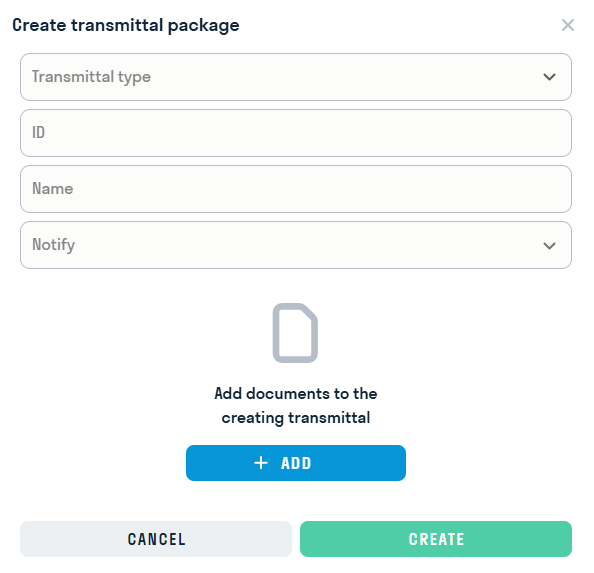
Add the files required for transfer and click “Generate”
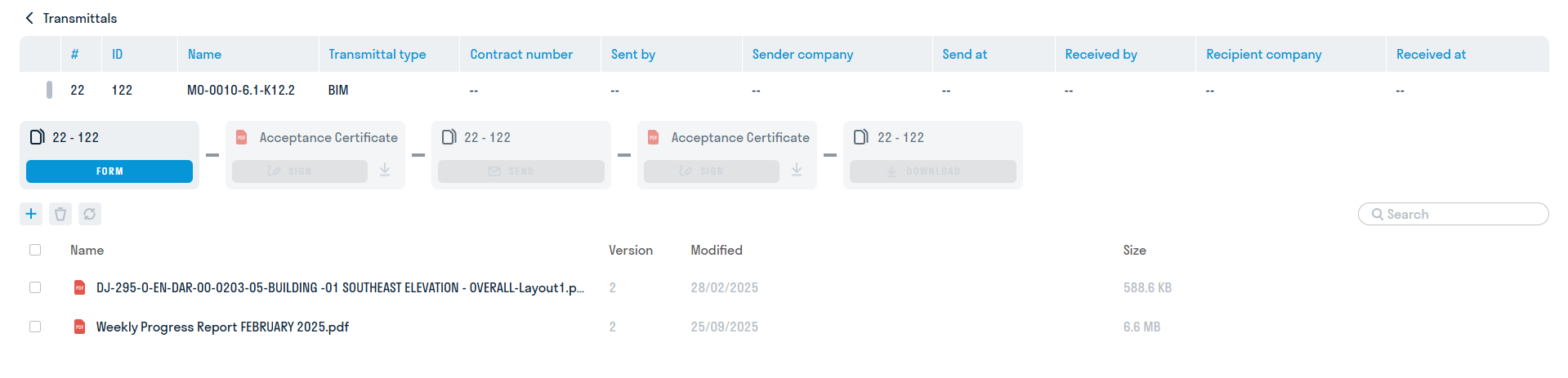
Files You can also add it directly from the file storage. To do this, select the required files and click “Create transmittal package”

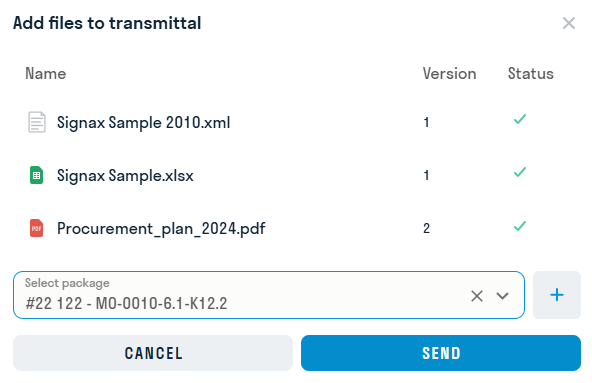
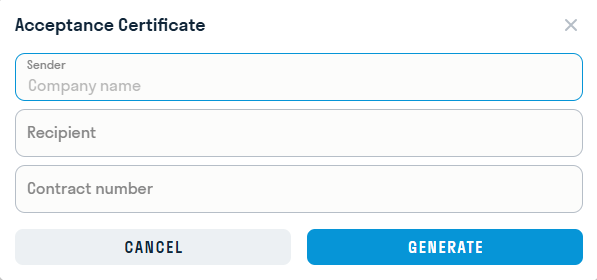
Fill in the sender's company and recipient's company
¶ 2. Signing the package by the sender
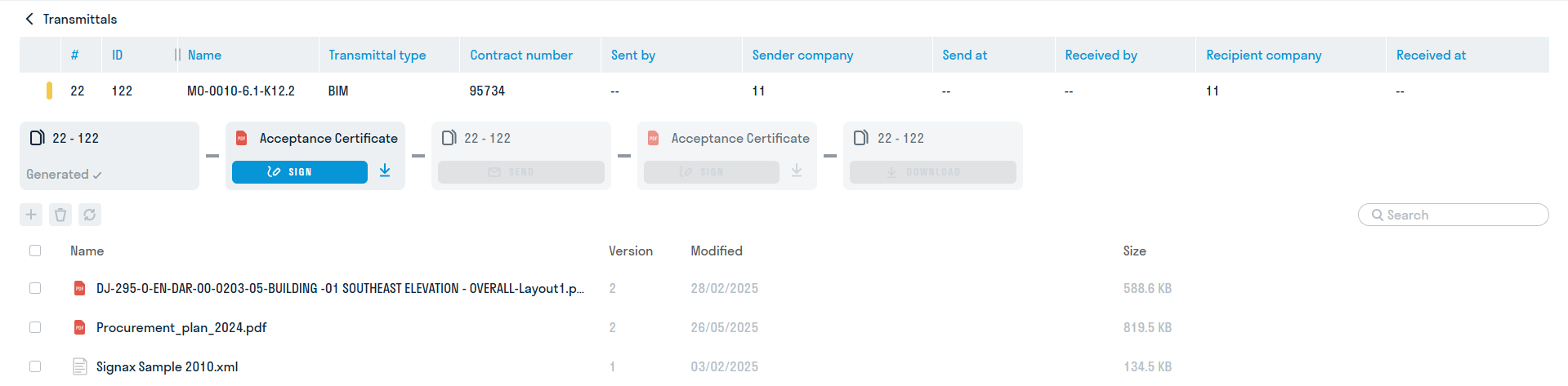
The next step is to sign the acceptance certificate by the sender. Click “Sign” and draw or select your signature.
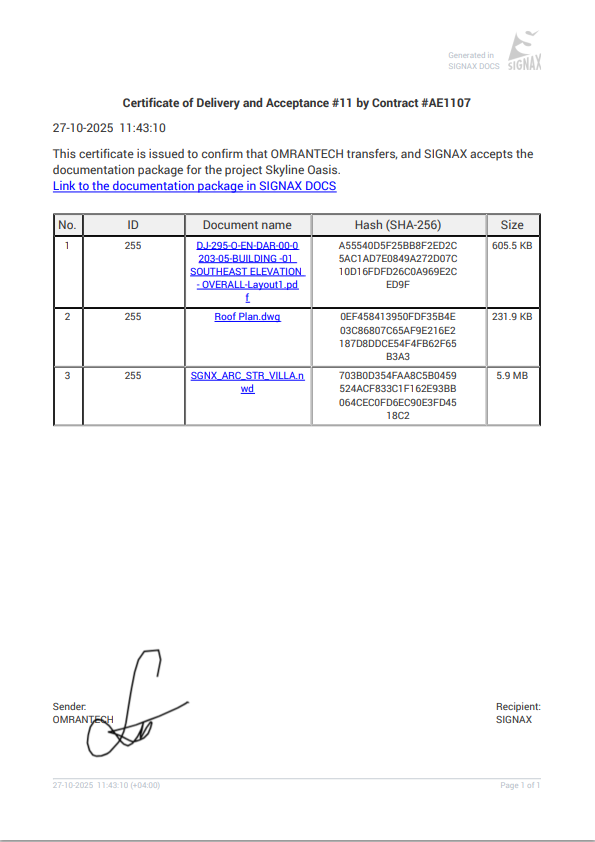
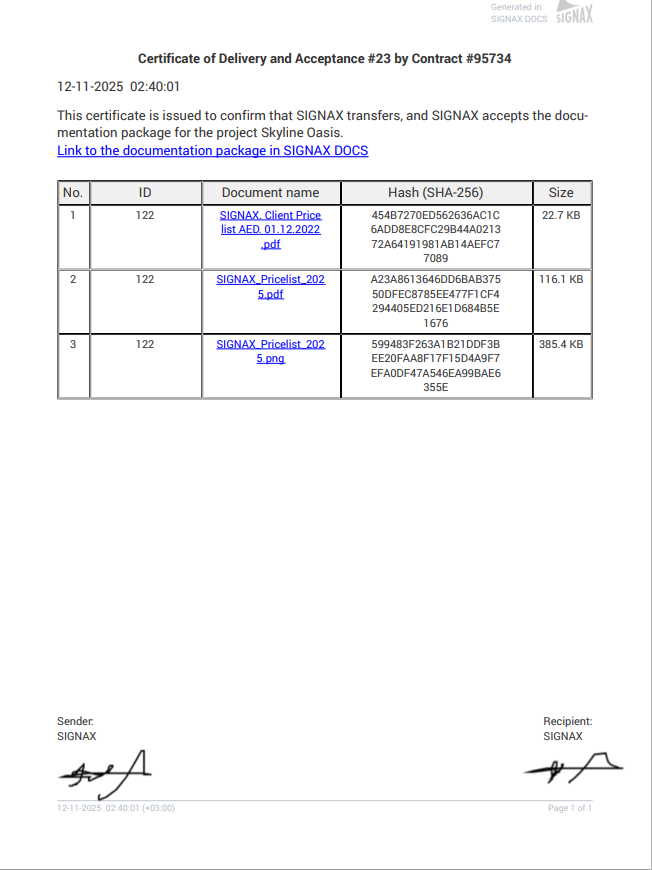
The generated and signed act indicates:
- Code of the transferred set of documentation
- Name of each transferred file.
- Its hash sum, generated using _SHA-256 algorithm
- The size of each transferred file
The digital signature is located at the bottom of the act
¶ 3. Sending the transmittal package
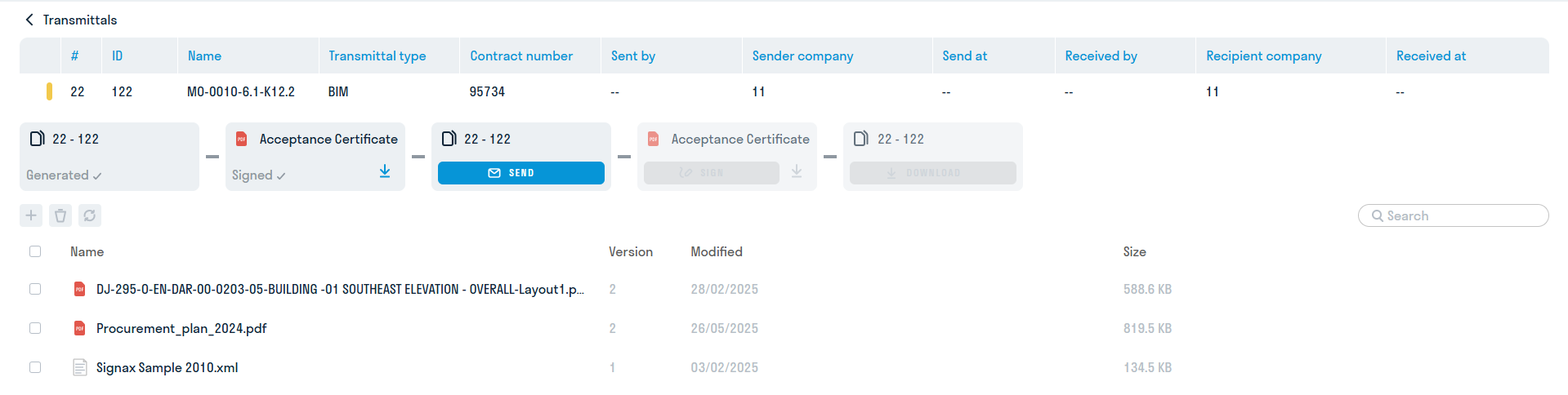
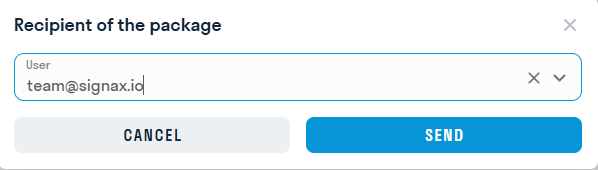
The next step is sending the transmittal package with the signed act to the recipient. Click "Send" and select the recipient - a user in the project with the SIGNAX account
¶ 4. Signing the package by the recipient
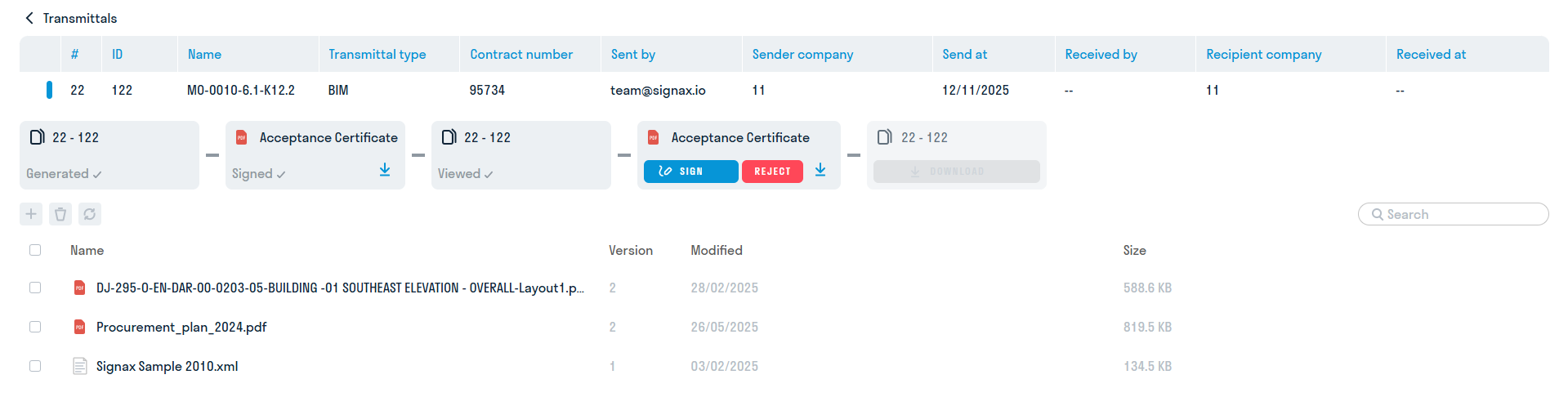
The sender will receive an email notification with a link to the sent transfer certificate. The next step is to review the transfer certificate and sign it with the recipient's digital signature. At this step, the recipient cannot download the files until they sign or reject the act
¶ 5. Downloading the sent documentation
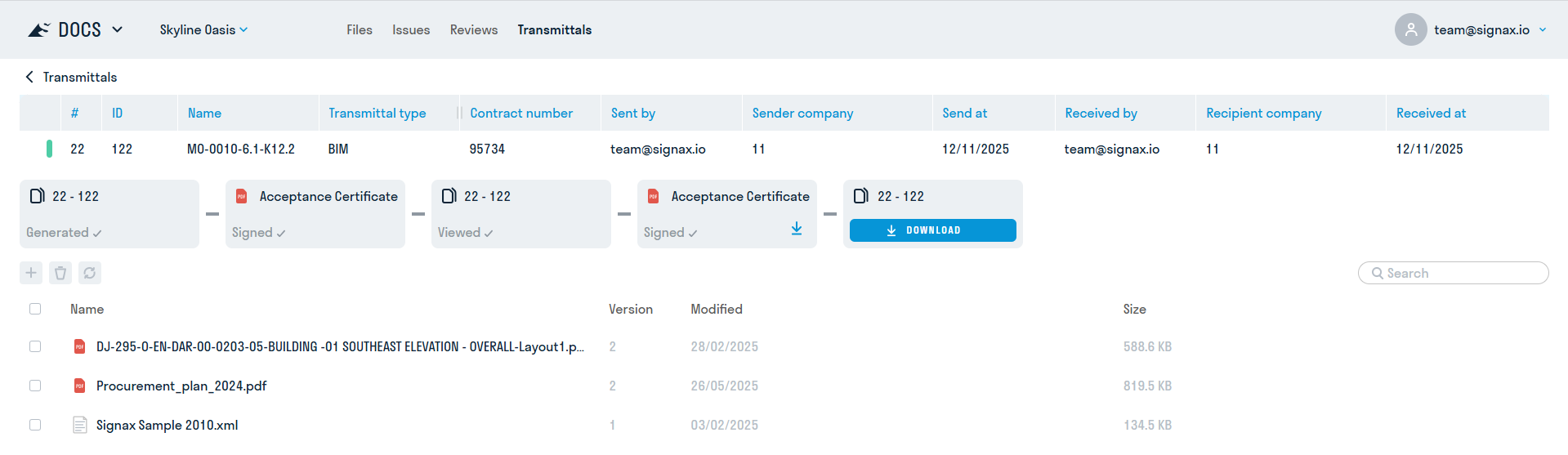
The last step is downloading the sent documentation. Click on download and get an archive with the package files and the acceptance certificate: