< TOOLS FOR REVIT. Approve | TOOLS FOR REVIT. Classification >
Volume / Area / Length / Quantity
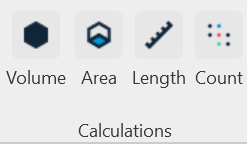
Using the Volume, Area, Length, and Quantity commands, you can get the values of the corresponding parameters for elements. The names of the parameters from which you want to collect values are specified in the SIGNAX Settings in the Quantitative property
1. Select the element(s) and click on the Calculations panel ➤ Volume/Area/Length/Quantity
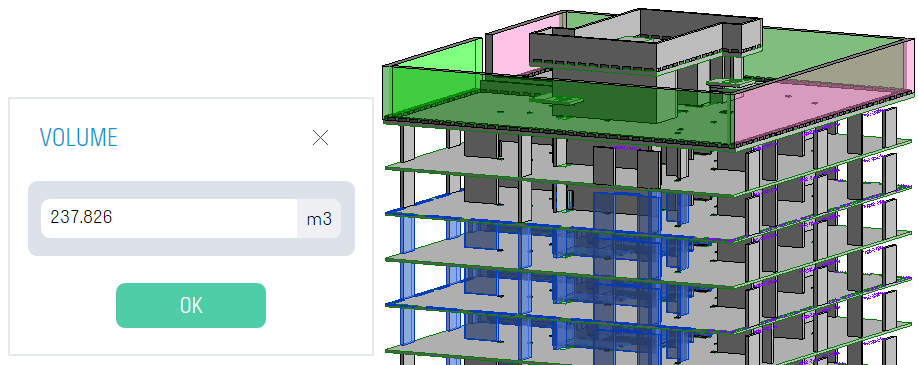
2. Get the corresponding value

< TOOLS FOR REVIT. Acceptance | TOOLS FOR REVIT. Classification >