< TOOLS FOR NAVIS. Export | Import | TOOLS FOR NAVIS. Checker >
The tool allows you to copy property values from one tab to another
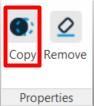
1. Click on the SIGNAX tab in the Properties panel ➤ Copy
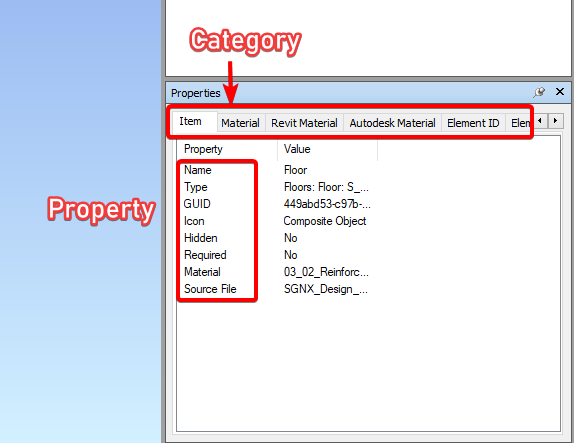
2. Select the Category-Property pair from the list on the left to copy the property value from. Enter the Category-Property pair to copy the property value to on the right. Click OK.
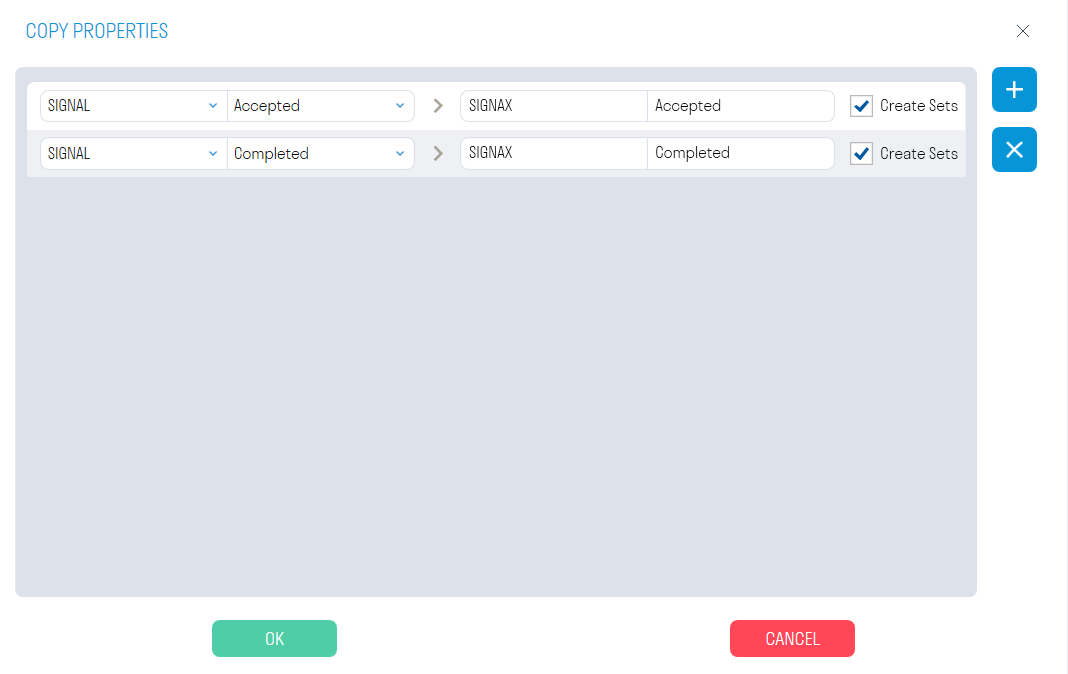
- The "Create PE" switch allows you to create search sets
3. After copying, the following will happen:
- Search sets with the values of the copied properties will be created
- The value of the selected property is copied to the new specified property
This tool allows you to delete SIGNAX properties from selected items.
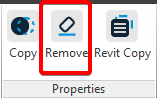
- Select the items and click SIGNAX tab in the Properties pane ➤ Delete
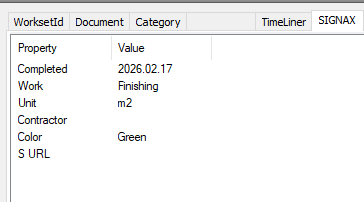
- Select the SIGNAX parameters you want to delete and click OK. The plugin will delete property values and the properties themselves.
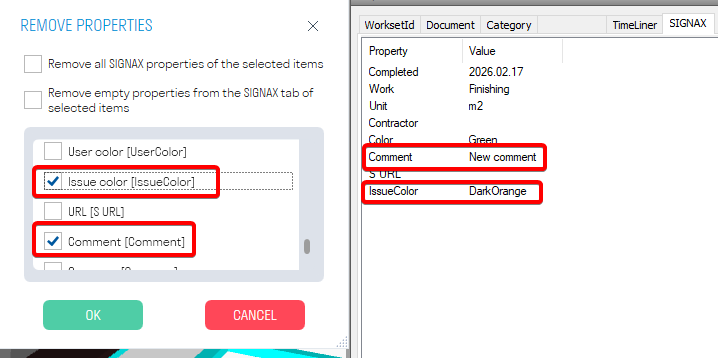
Propeties have been deleted

< TOOLS FOR NAVIS. Export | Import | TOOLS FOR NAVIS. Checker >