< TOOLS FOR NAVIS. Checker | TOOLS FOR NAVIS. Comments >
The tool allows you to create a project and enter all the necessary information about it. Used to unload BOQ .
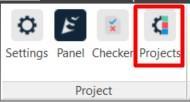
1. Click on the SIGNAX PRO tab in the Project panel ➤ Projects
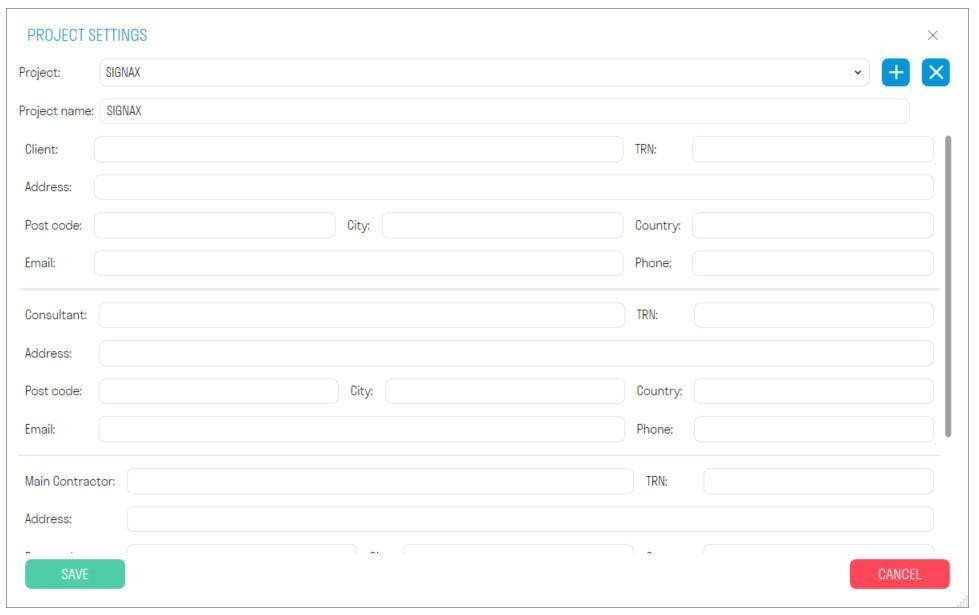
2. The project settings window will open. Fill in the required information about the project, technical customer, general contractor, etc. Project data can be uploaded in the Invoice form.