< TOOLS FOR NAVIS. Agreement | TOOLS FOR NAVIS. Coloring >
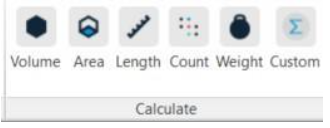
Using the Volume, Area, Length, Quantity, and Weight commands, you can get the values of the corresponding parameters for elements. The names of the parameters from which you want to collect values are specified in the SIGNAX Settings in the Quantitative property
1. Select the element(s) and click on the SIGNAX tab in the Calculations panel ➤ Volume/Area/Length/Count/Weight
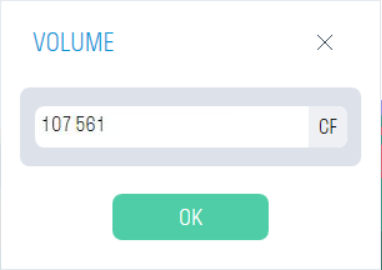
2. Get the corresponding value
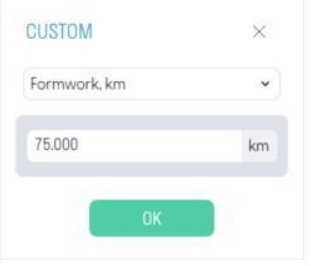
This tool allows you to get parameter values for elements specified in additional quantity properties. For example, you can get the length of formwork in km by specifying a coefficient for converting from meters to kilometers. The names of the parameters from which values are to be collected are specified in the SIGNAX Settings section in the Quantitative property
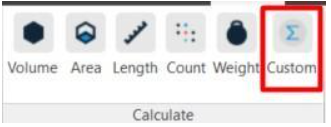
1. Select the elements and click on the SIGNAX tab in the Calculation panel ➤ Custom.
2. From the drop-down list, select the created quantitative property and obtain the corresponding value.