< INSPECTION. Photo360 | INSPECTION. Photomaker App >
SIGNAX INSPECTION allows you to publish photos. Published photos are available for viewing by any network user with a link to the album.
To publish photos, go to pa.signax.io, in the "Album" section.
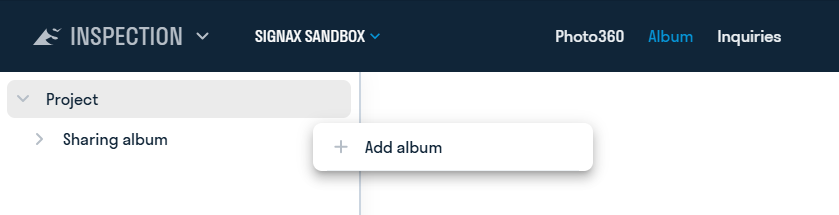
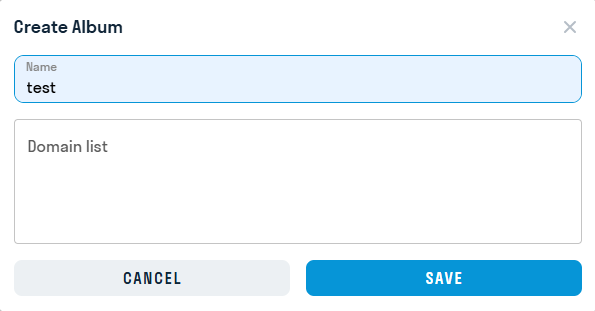
Click on "Entire object" and select "Add album". Enter the album name and optionally specify domains (albums can be integrated into these domains using code)
In the generated project tree, select the Plans, Points, and Photos you want to publish.
.png)
Click the three dots next to the album name and select the publication format. This can be a link or
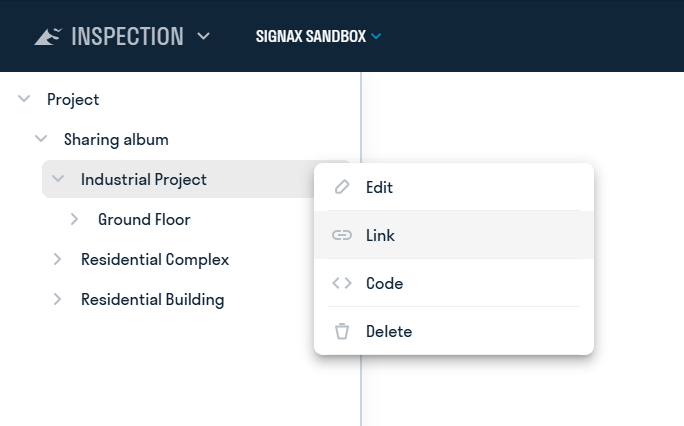
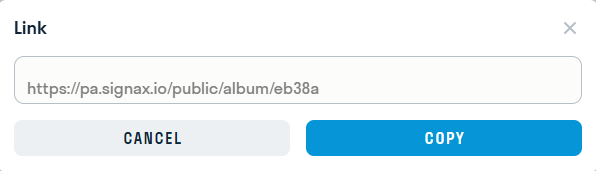
The generated link can be shared with users who do not have a SIGNAX license.