< DOCS. File Publishing | DOCS Disk >
Linking a Telegram account
SIGNAX DOCS users can receive notifications by email or in Telegram messenger, and customize the frequency of notifications.
Email notifications will be sent to the email address registered with SIGNAX.
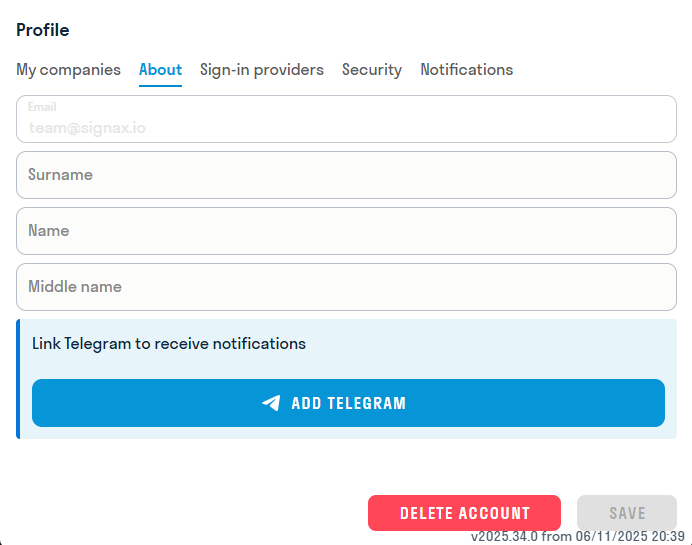
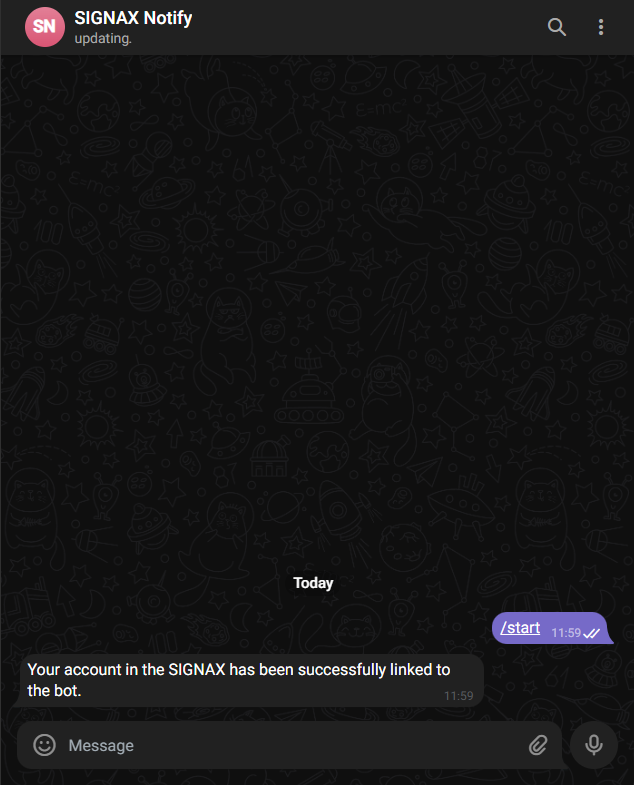
To receive notifications in Telegram, you need to link your TG account to SIGNAX. Go to hub.signax.io in the “Profile” tab. Go to the “About me” section and click “Link”.
To link your Telegram account, your account must have a Nickname. Check it in TG: Settings - My account - Username. .
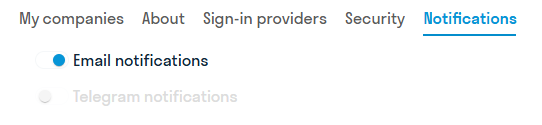
In the “Notifications” section, select where you want to receive notifications: