< TOOLS FOR REVIT. Classification
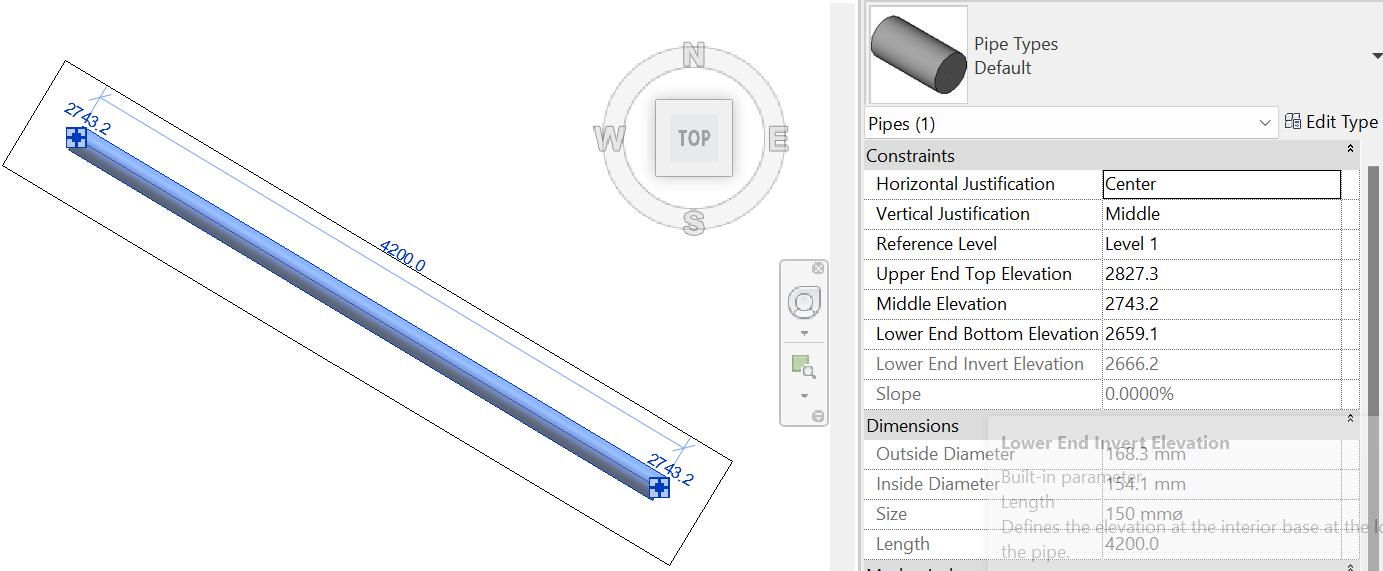
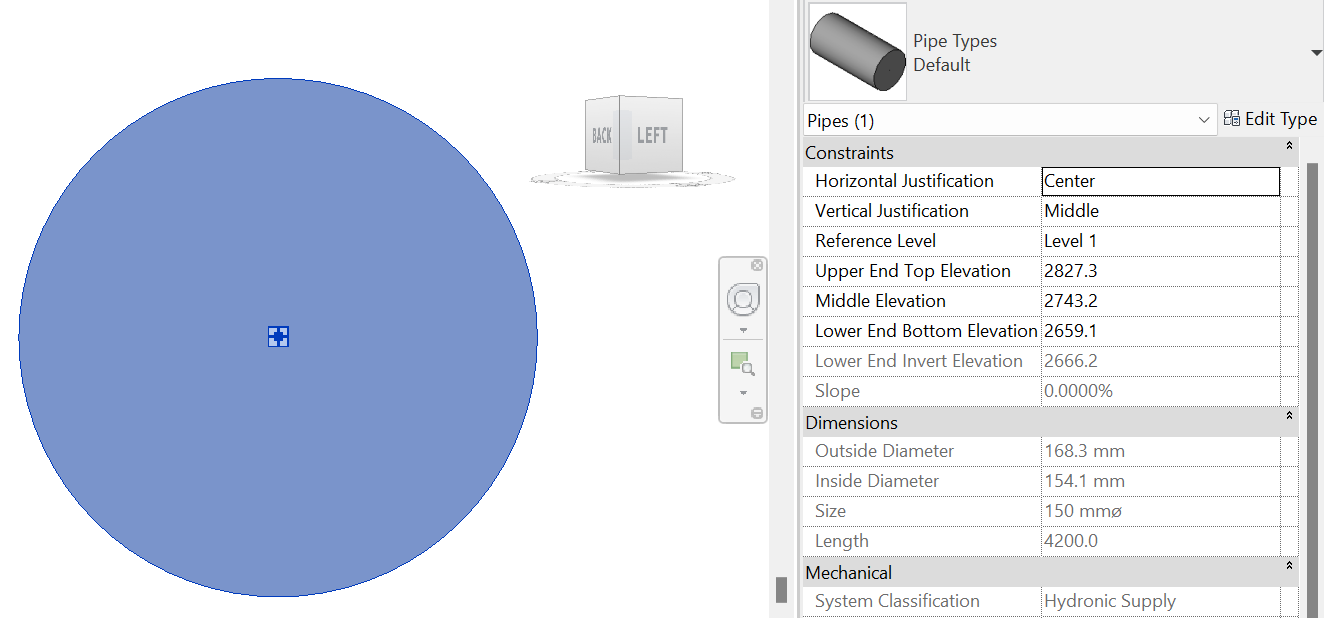
The tool allows you to orient the 3D view along the cross-section of the selected linear object (pipes, ducts, trays). This tool is useful when you need to look at a linear object from the front, which is not located orthogonally to the main axes (X, Y, Z).
1. Click View ➤ Front View.
2. Select the linear element. The 3D view will rotate.
The tool allows you to orient the 3D view along the longitudinal section of the selected linear object (pipes, ducts, trays). This tool is useful when you need to look at a linear object from the side, which is not located orthogonally to the main axes (X, Y, Z).
1. Click on the View toolbar ➤ Side View.
2. Select the linear element. The 3D view will rotate.
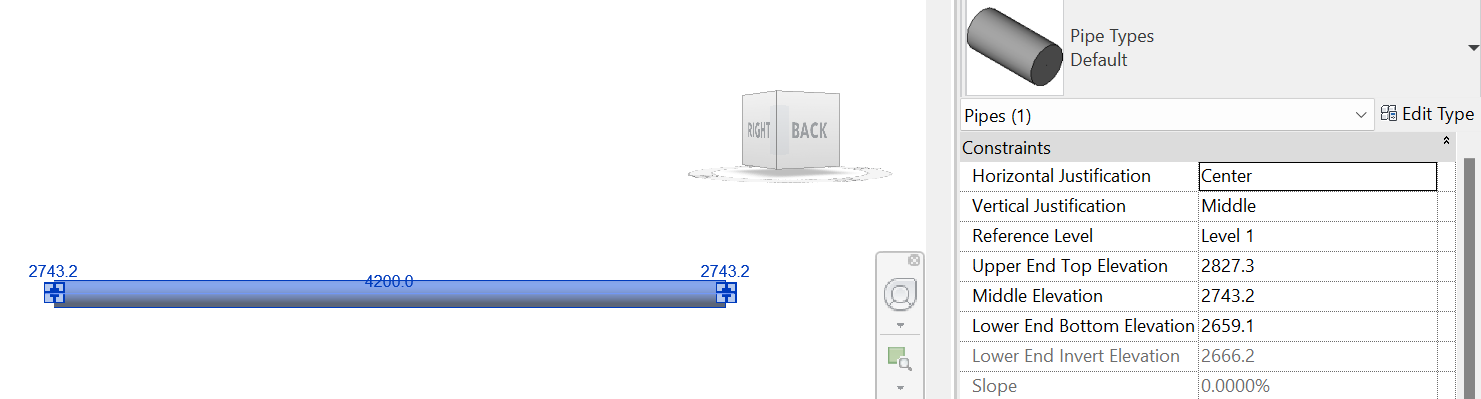
This tool rotates the 3D view's clipping boundary along a linear feature
1. Click View toolbar ➤ Rotate 3D
2. Select the linear feature. The clipping boundary will rotate along the feature